
One codebase
No deliberately reduced community edition.
Self-hosted · Source Available · BYOK
Nebulynk connects team chat, persistent voice channels and planned meetings with transcription, structured summaries and Ask the Meeting — designed for self-hosting and AI from the start.
One product. Every feature.
Nebulynk does not hold features back for a more expensive edition. Whether your production use is free under the BSL or needs a commercial license never changes the product you can use.
No deliberately reduced community edition.
No premium-only feature catalogue.
Choose your provider and pay it directly.
Product
Nebulynk joins everyday communication with the moments when text is no longer enough.
Public and private channels, direct and group messages, replies, forwards, reactions, files, mentions, pins, reminders and search.
Persistent spaces for spontaneous conversations. Join, speak and leave without scheduling another meeting.
Start now or schedule ahead with guests, video, screen sharing, transcription, structured summaries and Ask the Meeting.
Access & security
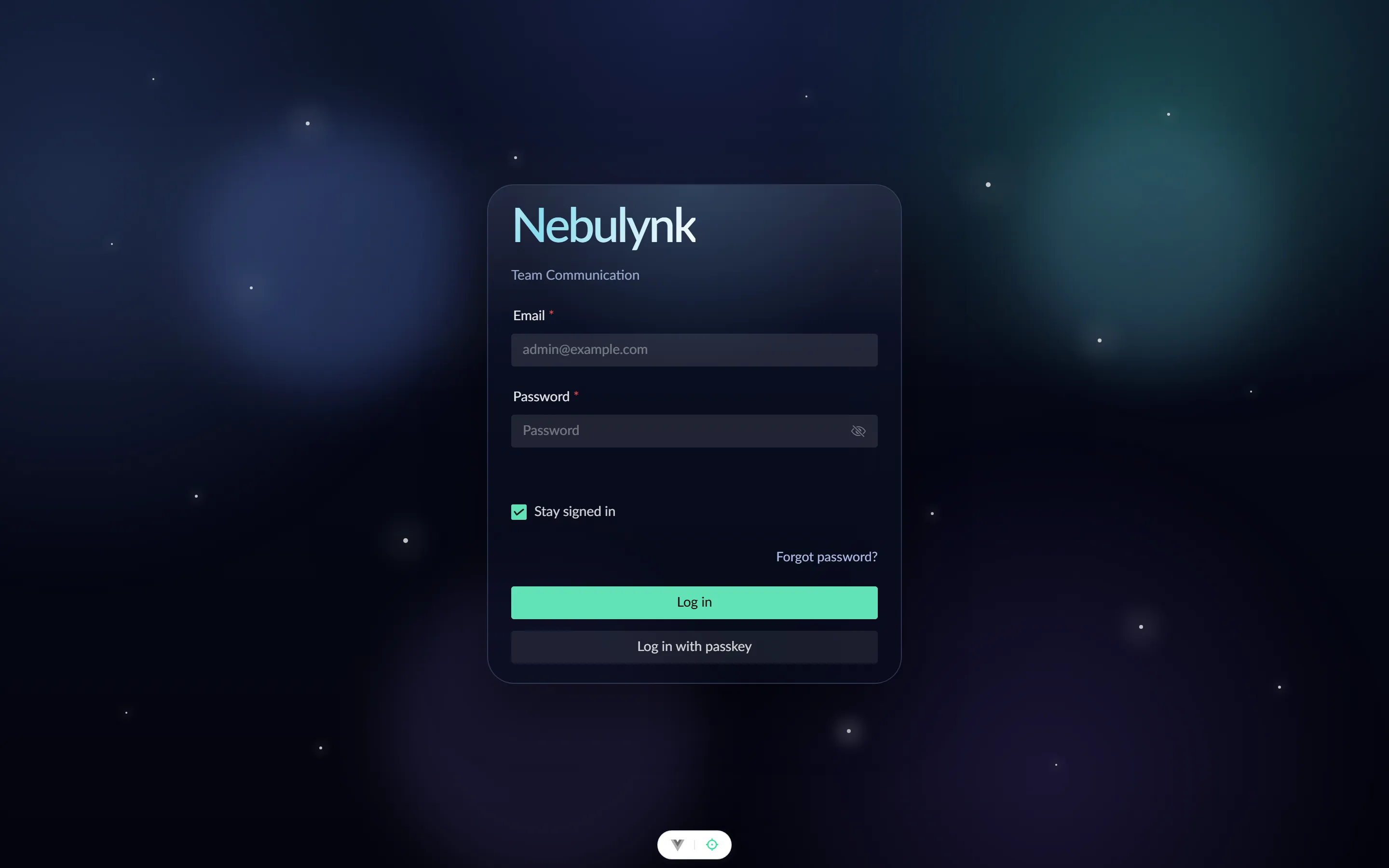
Sign in with a password or passkey, and add two-factor authentication whenever your workspace needs another layer of protection.
Voice channels
Voice channels remain visible as fixed spaces in your team. See who is already there and join the conversation directly.
Meetings
Start a meeting instantly or schedule it with a clear beginning and end. Guests join through an invitation link without access to the rest of the workspace.
Meeting intelligence
Nebulynk can transcribe a meeting and turn its transcript and chat into a structured summary. Decisions, open items and topics remain available for focused follow-up with Ask the Meeting.
“Which decision was made for the rollout, and who owns the next step?”
Transcription and summaries require a configured AI provider. Recording and transcription are visible to participants.
BYOK
AI is not an add-on premium module. Administrators configure their own provider access and select models by function. Provider keys remain in the backend and are stored encrypted.
The current product path has primarily been tested with OpenAI models. Provider abstraction already exists. Support for additional providers, OpenAI-compatible APIs and local models is being validated step by step.
Product paths
Self-hosting
Nebulynk includes a Docker-based stack, optimized deployment configurations for Coolify and Dokploy, and a Plesk extension. The production architecture uses PostgreSQL, Redis, S3-compatible object storage and LiveKit for real-time audio and video.
Optimized for Docker Compose deployments in Coolify.
Optimized for Docker Compose deployments in Dokploy.
Plesk extension for Plesk Obsidian on Linux x64 with local Docker.
More than the highlights
Nebulynk
Try the public Nebulynk instance. Use its channels to get in touch, report bugs or discuss feature requests.


